By Gyde Web Design ·
Start where customers are likely to act
On a phone, a customer may be checking your hours from a parking lot, sending a quote request from a job site, or comparing services on a weak connection. Put the business name, main service, coverage, and next step where people can find them quickly. Keep the primary action clear throughout the journey.
Keep the important content on mobile
Google uses the mobile version of page content for indexing. A responsive layout can rearrange information for a smaller screen while retaining the main service details, headings, and links. Ask your designer to check what Google can see as well as what a customer can read.
Design for thumbs, zoom, and interruptions
Use legible text, generous tap targets, clearly labeled fields, and meaningful errors. Give people a visible confirmation after submission. Check that menus and overlays remain usable when text is enlarged and that the keyboard does not hide the next step.
Test the whole journey
Use a real iPhone and Android device. Open the site on mobile data, find a service, and complete the same task a customer would. Look for slow hero images, shifting buttons, hidden instructions, and forms that lose entered information after errors.
Measure what matters
Compare mobile and desktop inquiry completion where you have enough data. Ask your designer to check Core Web Vitals and investigate the pages where visitors leave or fail a task. A fast score is useful, and a successful booking or quote request is the outcome you need.
Turlock landscaping company
A customer wants a yard cleanup estimate. A clear service page with a short quote form lets them describe the work and submit without zooming or hunting for contact information. Test the flow on both mobile platforms, including a missing required field and a successful request that reaches the business inbox.
Your next steps
Assign each task and check it off when you verify it.
0 of 5 done · All set. Keep this list handy.
Sources
- Google Search Central · Mobile-first indexing
- W3C · Web Content Accessibility Guidelines
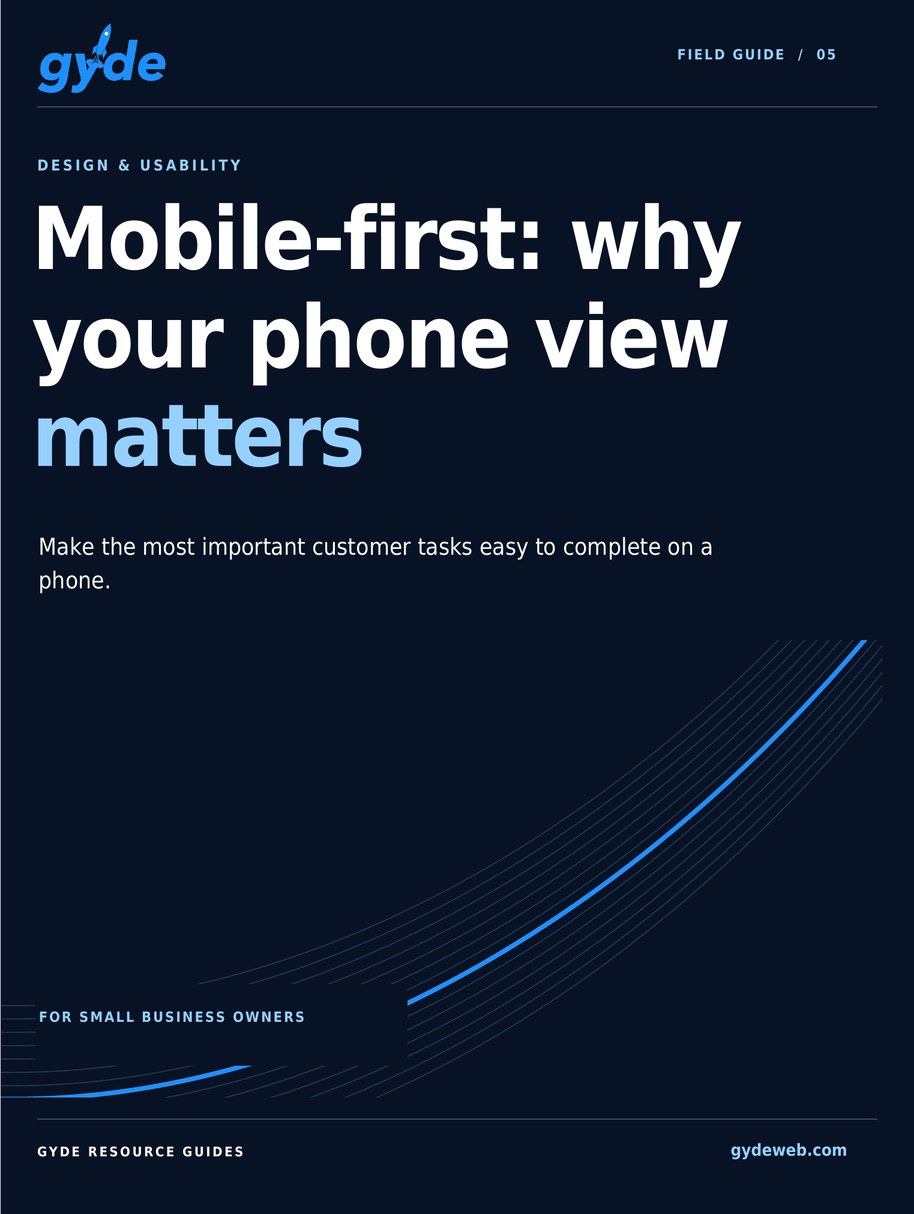
Take it with you
The printable version is a short PDF you can hand to whoever helps run your website.